DeepL Translate
DeepL Translate supports the translation of text, documents, and images, helping businesses and professionals handle daily cross-language communication and internationalization tasks. Users can enter text directly or upload documents for translation, selecting the source and target languages as needed. DeepL currently offers versions for the web, Windows, Mac, iOS, and Android, and supports browser extensions and API integration.
I. Text Translation | Quickly Handle Daily Cross-Language Communication
DeepL Translate allows users to enter text directly for translation, making it suitable for scenarios such as emails, business correspondence, technical content, website text, and reading everyday documents. Users can select the source and target languages or use the automatic language detection feature, lowering the barrier to cross-language communication. DeepL currently supports text translation for over 30 languages. It is suitable for international business emails, reading overseas websites and technical documentation, and daily collaboration within multinational teams.
II. Document Translation | Complete Document Translation That Preserves the Original Format
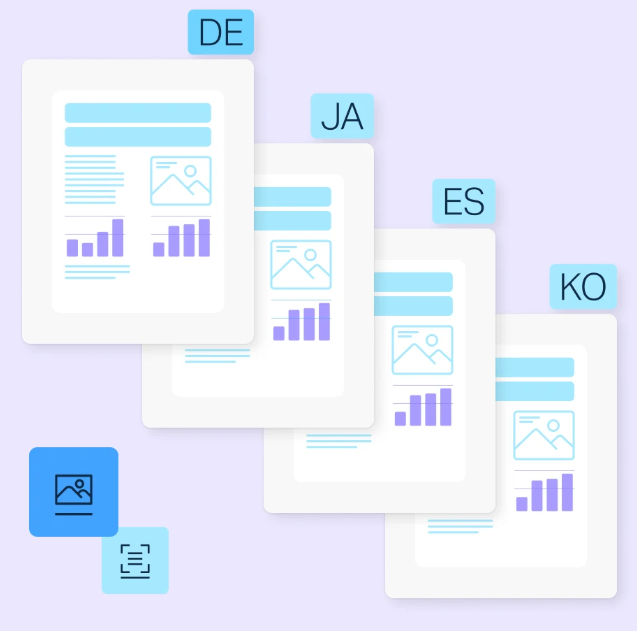
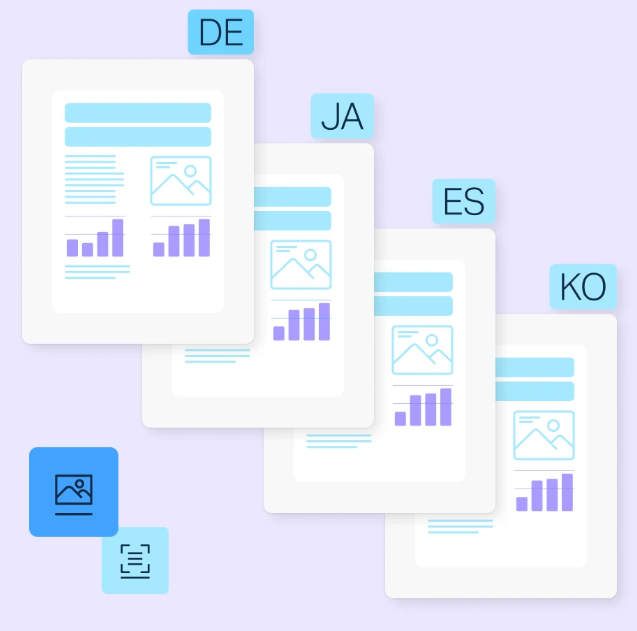
DeepL Translate does not require you to copy and paste document content paragraph by paragraph. Users can upload the entire document directly, and DeepL will translate the text while preserving the original document’s formatting, images, fonts, and layout as much as possible. Officially supported file formats for translation include PDF, Word, PowerPoint, Excel, HTML, TXT, SRT, and more... The formats and file sizes actually supported may vary depending on the plan. Suitable for technical manuals, contracts, proposals, product presentations, business analysis documents, and reports, the document translation service also supports batch processing and multilingual output, making it ideal for enterprise workflows that require the translation of large volumes of documents.
III. Glossary: Managing Technical Terminology
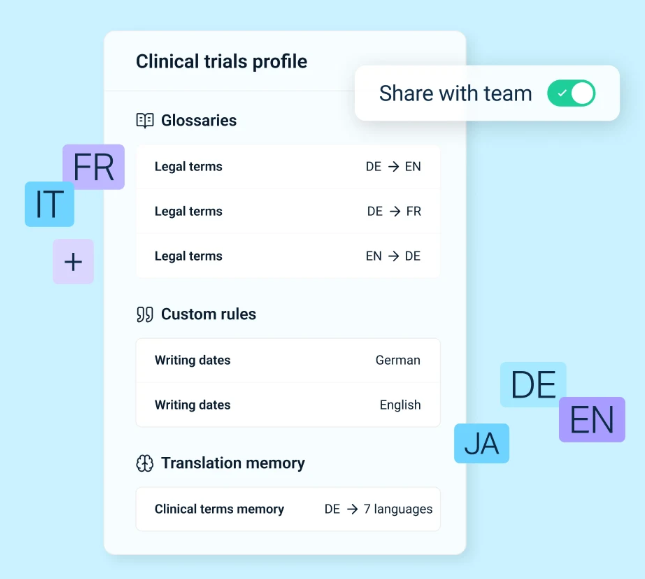
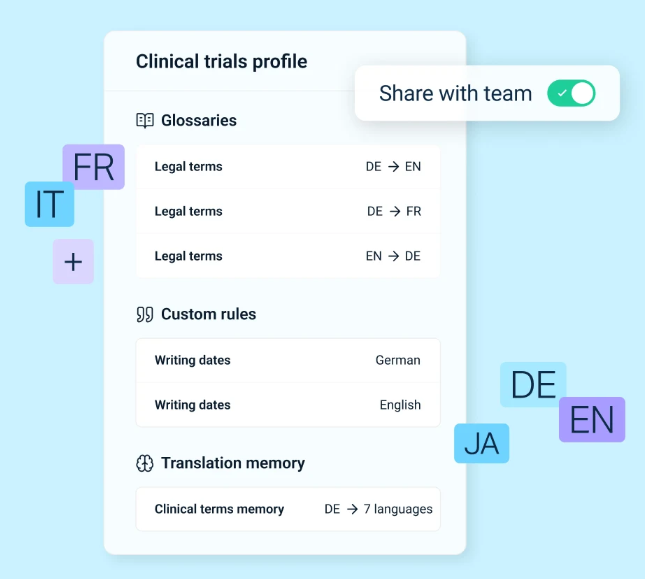
For industries such as technology, manufacturing, finance, and law, maintaining consistency in the use of technical terms across different documents is crucial. DeepL offers a **Glossary** feature that allows companies to create their own specialized vocabulary and specify preferred translations. By using custom terminology, companies can help ensure consistency in translation terminology across different departments and teams in various countries. DeepL officially lists the Glossary as one of the key features of its Translator.
IV. Adjusting Translation Tone Based on Business Communication Contexts
Different business contexts require different tones. DeepL offers a **Formality** feature that allows users to adjust the translation style based on the language and context. This feature helps businesses not only convey the “meaning” but also tailor the expression to the specific communication context.
Formal: Best suited for formal business emails, client correspondence, and corporate documents
Informal: Suitable for internal communication or more casual exchanges.
V. Image Translation
DeepL Translate now also supports image translation, helping users process text found in images, screenshots, annotations, or other visual content. This is particularly useful for scenarios such as reading product information from overseas, device labels, screenshots, and on-site data.
VI. Enterprise-Grade Security and Pro Features
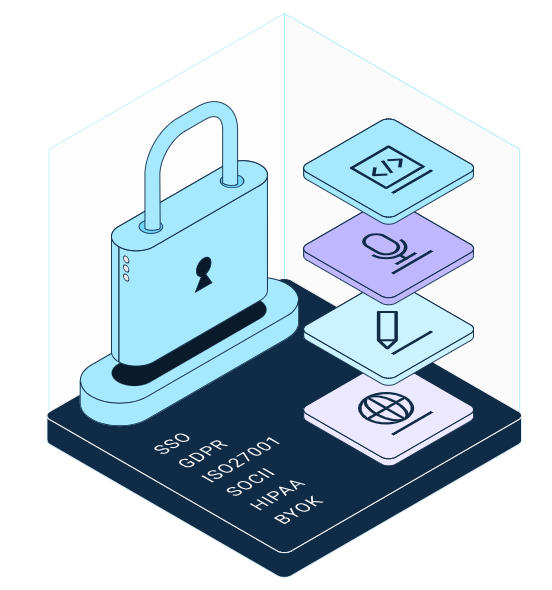
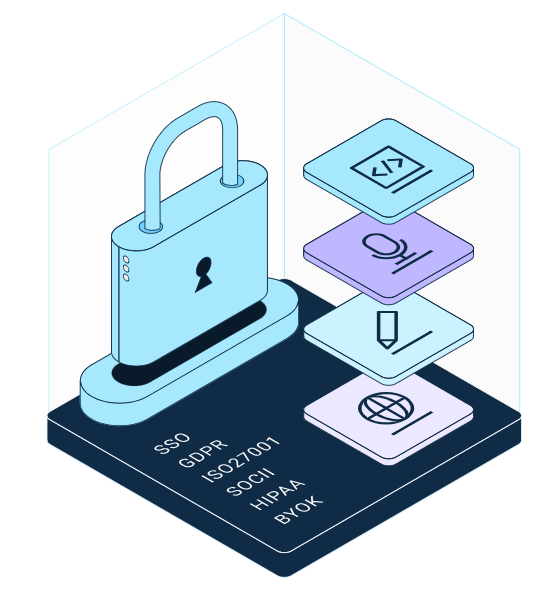
For businesses, a translation tool is not just about “accuracy”; more importantly, it’s about whether data is properly protected. DeepL Pro offers enterprise-grade data security mechanisms, which, according to the official documentation, include data encryption and privacy protection. It also provides enterprise features such as team management and SSO. DeepL also states that text processed through the Pro plan will not be stored without consent.